- calendar_today August 26, 2025
Google launches Android 16 after months of testing and rumors while Pixel phones receive the first updates.
The over-the-air updates are now starting their distribution process today. Anyone who wants immediate access can download system images and update files from Google’s developer site without waiting for the update to become available through their phone.
Users shouldn’t anticipate an exceptional new experience right away.
The new update brings few flashy features at its initial release similar to other recent Android versions. The most exciting features will be released later this year. Pixel users will discover several understated enhancements with the introduction of Android 16.
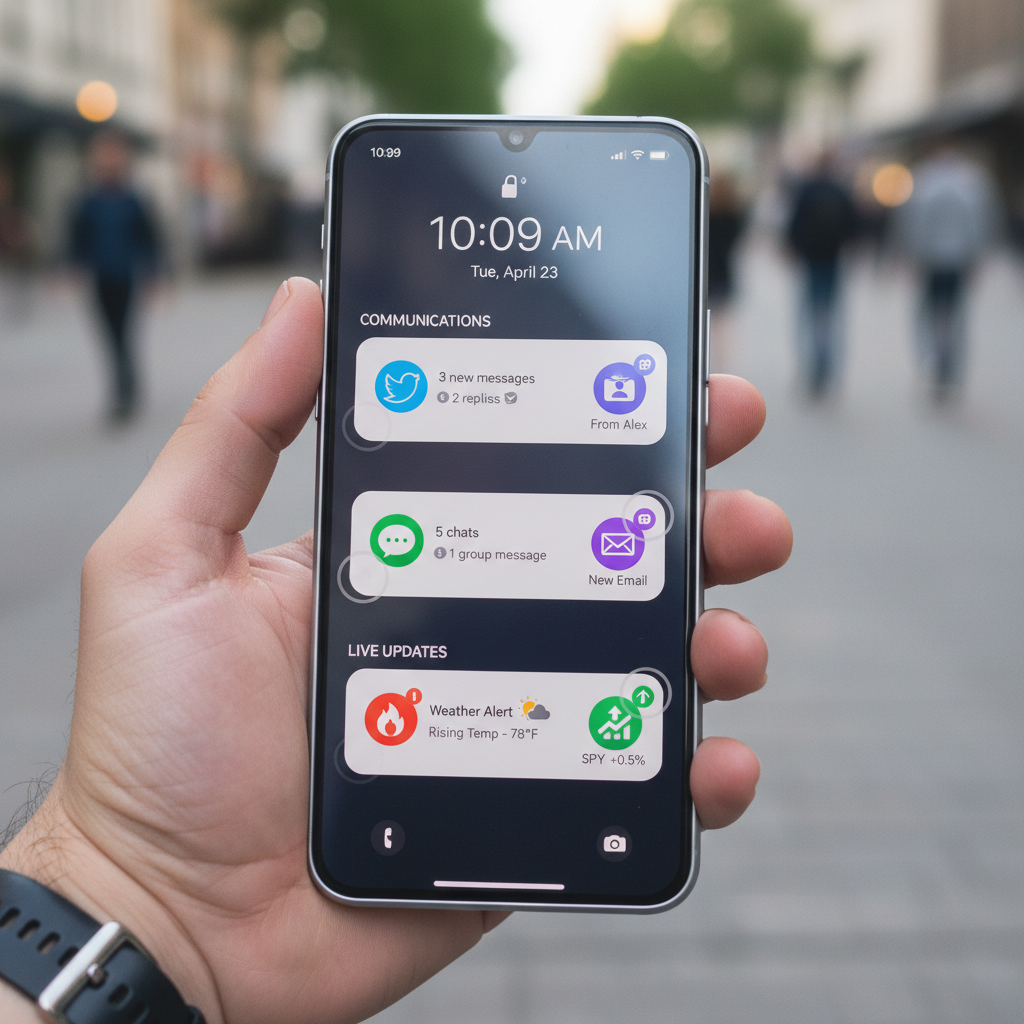
The updated notification system stands out as one of the more prominent changes in Android 16. Bundled notifications introduced in Android 7.0 Nougat have maintained a tidy notification interface. With Android 16 apps are now required to use bundled notifications to consolidate multiple alerts into a single stack. A single app’s multiple alerts will now combine into one neat expandable stack. No more endless scrolls through repeated updates.
Live update notifications are another welcome addition. The initial release of the feature provides support for select rideshare and delivery services by displaying a small status bar icon that updates in real-time. Clicking the icon will open a popup view that displays a live progress bar. Google confirms a partnership with both Samsung and OnePlus to enhance integration through Now Bar and Live Alerts within their operating systems.
There are also security upgrades. Android 16 now comes with Advanced Protection integrated directly into its operating system. Originally this tool functioned through your Google account but now operates independently on each device. The system now blocks 2G connections while preventing USB devices from accessing your system and blocking access to websites with outdated security protocols.
Android 16 adds a fun feature for Pixel users through generative AI emojis. The Pixel Studio app together with Emoji Kitchen lets users make their own custom emojis for entertainment purposes.
Developers haven’t been forgotten either. The Android 16 update which features API level 36 introduces multiple enhancement changes that users won’t directly see. The updated Android version enables applications to properly adjust their display size for tablets and foldable devices which aligns with Google’s strategy to develop larger-screen Android technology.
The camera functions now provide support for advanced capabilities including night mode detection, motion photos, hybrid auto-exposure and HDR screenshots for compatible applications.
Background processing is also more tightly controlled. Some legacy applications may experience functionality issues while your device gains speed and operational efficiency.
Pixel Drop Brings VIP Contacts and More
Google introduced a new Pixel Drop feature alongside the release of Android 16.
The most interesting part? Pixel VIPs. The improved favorites system enables users to assign specific tags to contacts who will receive individual widgets on their home screen. The interface will display recent messages from Messages and WhatsApp together with shared birthdays and location info when shared. VIP users have the ability to override Do Not Disturb configurations.
The remaining features of Pixel Drop do not make a large impact. Expressive Captions will soon be available across the UK, Canada, and Australia. Hearing aid users will benefit from system enhancements while Magnifier users gain live search capabilities.
Not major changes—but nice to have.
The Bigger Features Are Coming Later
The subdued feel of Android 16 exists because Google has yet to release its most significant updates.
The new Material 3 Expressive design language has been introduced. This new feature got revealed recently but remains excluded from the current update. Pixel phones will be the first recipients of this feature when it becomes available later this year. Developers received early notice to begin updating their applications for the upcoming visual changes.
Another long-awaited addition is desktop mode. Google has partnered with Samsung to enhance its DeX platform. The introduction of floating windows for tablets transforms Android into a system that resembles a personal computer. Only external displays will support desktop projection from phones and foldables. The device won’t support floating windows in its current state.
Android 16 represents a significant change in the way Google schedules its updates. Google now releases major Android updates in spring and provides a smaller API-focused version in the fall.
The 2025 Android 16 update represents the main release yet functions primarily as groundwork rather than a comprehensive solution. New design features, desktop functionality improvements and richer integrations represent the next level of excitement but remain future developments.